
OnlyFans Scams in 2025: How to Spot Fraud, Protect Your Account, and Stay Safe
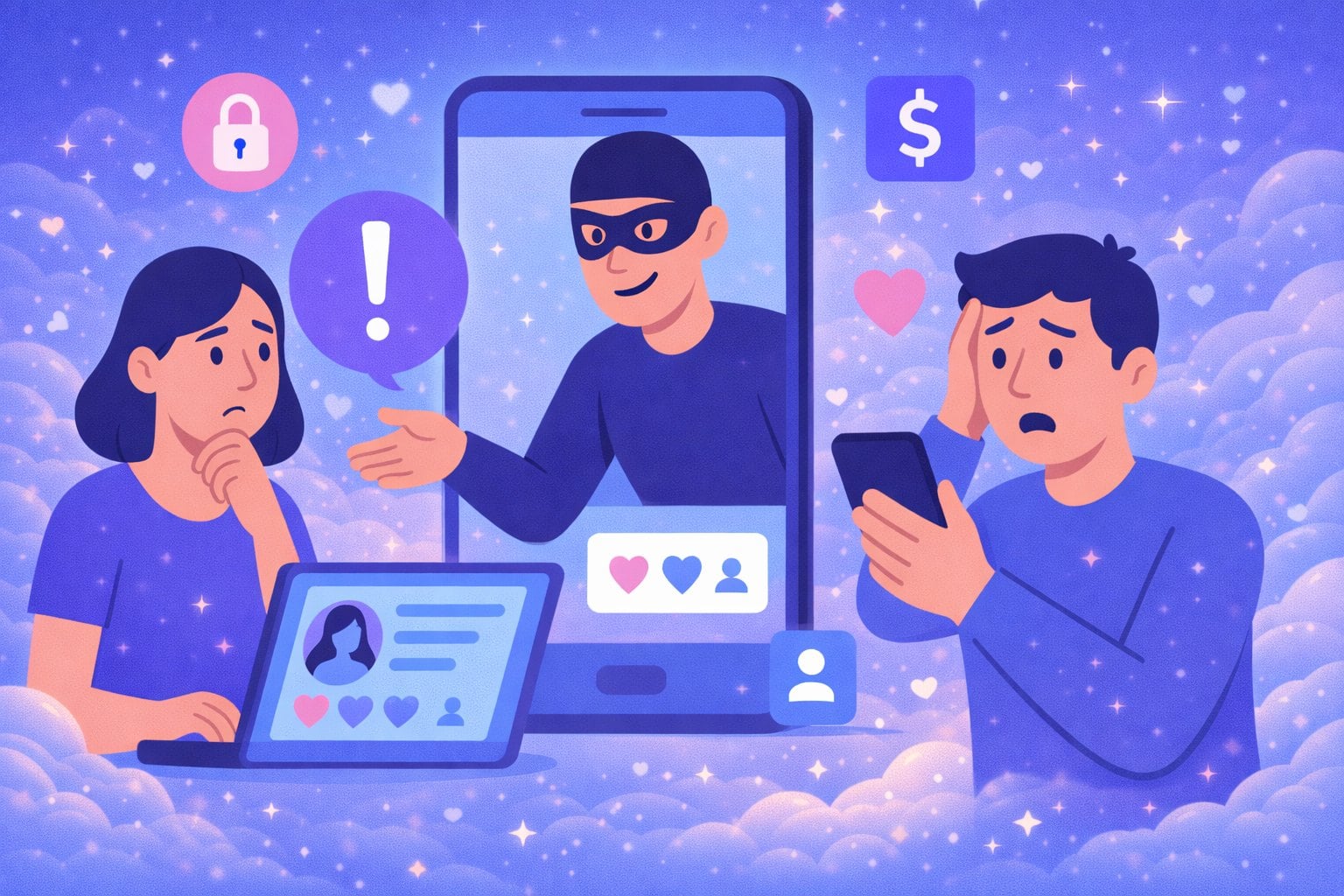
OnlyFans gives creators a direct way to monetize content and build a real community. It also creates a predictable problem: wherever there is money, personal data, and high emotion, scammers show up.
In 2025, scams on OnlyFans are not just “obvious fake messages.” They look like real support emails, real creators, real agencies, and even real fans. Some scams aim to steal money, others steal accounts, and some are designed to blackmail or impersonate.
This guide breaks down the most common OnlyFans scam tactics, the red flags to watch for, the protection steps that actually matter, and exactly what to do if something goes wrong. You will also see how using safer discovery habits, including search tools like creatorguider.com, can reduce the risk of running into fake profiles and impersonators.
Why Scammers Target OnlyFans So Aggressively
OnlyFans is a perfect hunting ground for fraud because it combines:
- recurring payments
- private messages
- account verification documents (for creators)
- high trust between creators and fans
- urgency driven by adult content and exclusivity
Scammers take advantage of that trust. Their goal is always the same: get you to click, pay, share credentials, or move off-platform where you lose protection.
Common OnlyFans Scams Targeting Subscribers
1) Fake Profiles and Impersonation
Scammers copy a creator’s photos, name, and vibe to build a convincing profile. They rely on subscribers who are searching quickly and assume the first result is real.
How it plays out:
- you subscribe
- the page has low effort content or stolen reposts
- you get pushed into DMs with upsells or suspicious links
How to reduce risk: use verification cues (linked socials, consistent branding) and if you discover creators through search, use tools that help you match identity signals. On creatorguider.com, profiles are easier to compare by keywords and presence patterns, which helps users avoid obvious clones.
2) Phishing Messages Pretending to Be OnlyFans Support
You get an email or DM saying:
- “Your account will be suspended”
- “Payment failed”
- “Verify your identity”
- “Unusual login detected”
Then they send a fake login page.
Rule: never log in through a link you received in a message. Type the official website manually.
3) “Free Leaks” and Download Traps
“Leaked OnlyFans mega folder” links are almost always malware, survey traps, or credential theft pages.
If you want to find creators: use legitimate search and discovery routes instead of leak bait. It’s safer, and it protects creators too.
4) Fake Refund and Charge Dispute Traps
A scammer claims your payment “needs confirmation” and asks you to re-enter card details, or sends you to a fake billing portal.
Rule: billing issues should be handled inside your account settings, not via a random link.
Common OnlyFans Scams Targeting Creators
1) “OnlyFans Agency” Scams and Predatory Management Contracts
This is one of the biggest creator scams.
They promise:
- massive earnings increase
- full management
- chatters, promotion, growth systems
Then they hit you with:
- high fees
- content ownership clauses
- lock-in periods
- access demands (passwords, email, 2FA)
Creator safety rule: never give full account access to anyone you haven’t vetted heavily. If you work with a team, use role separation, unique passwords, and structured access.
2) Chargeback Fraud on Custom Content
A buyer orders expensive custom content, receives it, then disputes the transaction with their bank.
How to reduce risk:
- do not deliver high-priced customs without clear payment proof
- keep all agreements inside OnlyFans messages
- avoid off-platform payments that give you zero protection
3) “Sugar Daddy” and “Verification Fee” Scams
A scammer offers a large amount but asks you to:
- pay a “small fee”
- send your bank details
- accept crypto “to verify”
- share personal ID
Rule: real spenders do not ask creators to pay first.
4) Fake Brand Deals and Fake Collab Requests
They send “contract links” that install malware or steal logins.
Rule: never download unknown files from DMs. Use safe viewing methods and verify identities.
Red Flags That Almost Always Mean “Scam”
If you see any of these, stop:
- pressure tactics: “act now or lose your account”
- offers that are wildly above market rates
- requests to move to Telegram, WhatsApp, Google Chat immediately
- requests for your login, email access, or 2FA codes
- links shortened with suspicious URL shorteners
- “support” accounts contacting you first
- someone refuses to verify themselves through normal identity signals
How to Protect Your OnlyFans Account (Creators and Subscribers)
1) Turn On 2FA and Use Unique Passwords
This is the highest ROI security move.
- unique password (not reused anywhere)
- 2FA enabled
- avoid SMS 2FA if you can, use an authenticator app
2) Lock Down Your Email Account
If your email gets taken, your OnlyFans is next.
- 2FA on email
- security alerts on
- review login devices monthly
3) Keep Payments and Agreements On-Platform
Off-platform payments remove protection and create “he said/she said” disputes.
4) Don’t Click Login Links
Go to the site directly. Always.
5) Vet Profiles Before Subscribing
Check for:
- consistent handle across socials
- long-term posting patterns
- reasonable pricing behavior
- consistent bio style and branding
If you’re using discovery tools, use ones that make it easy to compare creators and find legit pages. creatorguider.com helps users locate creators by searchable traits and reduces the “random link hopping” that scammers rely on.
Advanced Prevention Tips (Worth Doing)
Reverse Image Search for Impersonators
Creators can occasionally search their promo images to spot clones. Subscribers can do the same when something feels off.
Avoid “Automation Tools” That Need Your Login
Anything that asks you to enter OnlyFans credentials outside OnlyFans is a risk.
Use Separate Work Accounts
Creators should have:
- separate email for creator work
- separate video call accounts if offering calls
- separate cloud storage
What to Do If You’ve Been Scammed
Step 1: Secure Everything Immediately
- change OnlyFans password
- reset email password
- revoke unknown sessions/devices
- re-enable 2FA and regenerate backup codes
Step 2: Document Everything
Screenshots:
- messages
- payment receipts
- profile links
- email headers if possible
Step 3: Report Inside OnlyFans
Use the platform reporting tools and support channels with clear evidence.
Step 4: Contact Your Bank (If Money Was Involved)
If you entered card details, assume compromise. Replace the card and monitor transactions.
Step 5: Warn Your Audience (Creators)
If you’re being impersonated:
- post a story / pinned post with your real links
- remind fans that you never ask for payment off-platform
- point fans to your official discovery routes (your verified socials and trusted search entries like creatorguider.com)
Final Thoughts
OnlyFans scams work for one reason: they create urgency and confusion. If you slow down, verify identity, keep money on-platform, and lock down your account security, you eliminate most of the risk.
Subscribers stay safer by avoiding random links and verifying creators before paying. Creators stay safer by separating access, refusing off-platform deals, and treating account security like a business asset.
A safer ecosystem helps everyone, and using trusted discovery habits, including tools like creatorguider.com, reduces impersonation, fake pages, and the scam routes that thrive on chaos.




